Customize chirpy theme
发布于
# Blogging
If you want to customize the Chirpy theme, you can follow the steps below.
-
Copy css/html/js files you want to change from the Chirpy repo to your blog project.
-
Update these files.
Sidebar style
- add background image
- change font color
assets/css/jekyll-theme-chirpy.scss
/* append your custom style below */ #sidebar { background-image:
url(https://s2.loli.net/2024/08/09/v6sS1XEWTykIlDb.jpg); /* <- change background image */ background-size: cover; /* <-
customize the image size */ background-repeat: no-repeat; /* <- no-repeat */ background-position: top; /* <- image
position */ } #sidebar .site-title a { color: #ffffff; text-shadow: 5px 5px 10px rgba(0,0,0,0.5); } #sidebar
.site-subtitle { color: #ffffff; text-shadow: 2px 2px 3px rgba(0,0,0, 0.7); } #sidebar .sidebar-bottom .mode-toggle,
#sidebar a { color: #ffffff; } #sidebar .sidebar-bottom .btn { color: var(--sidebar-btn-color); }
About page
- add github commit graph
_tabs/about.md
<!-- GOES INTO HEAD -->
<link rel="stylesheet" href="https://lengthylyova.pythonanywhere.com/static/gh-contrib-graph/gh.css" />

<!-- GOES INTO BODY -->
<div id="gh" data-login="winterfx"></div>

<!-- GOES INTO THE END OF BODY -->
<script src="https://lengthylyova.pythonanywhere.com/static/gh-contrib-graph/gh.js"></script>
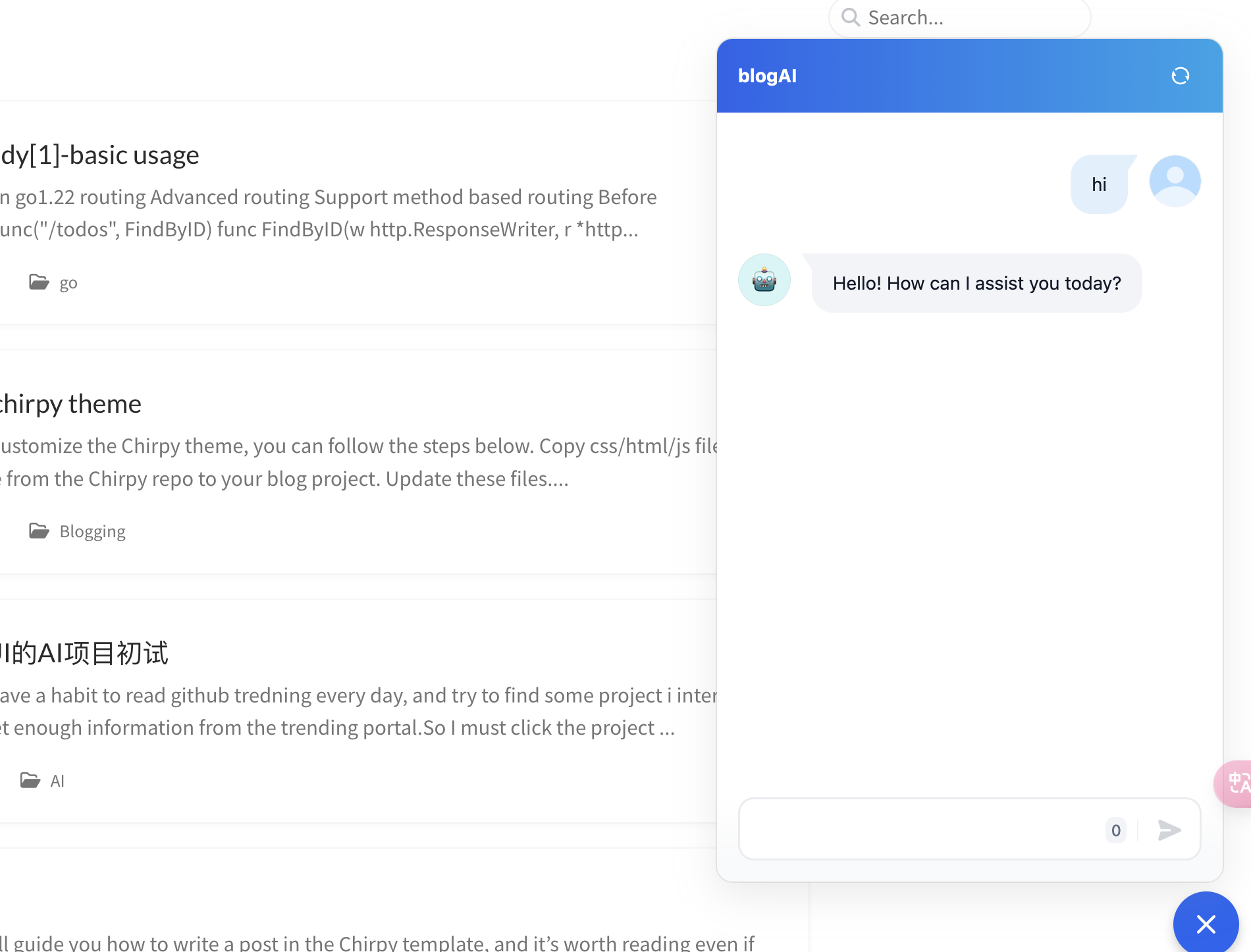
AI Chatbot
- prepare a dify ai agent with your blog data as knowledge base
- add script to home page
_layouts/home.html
<!-- dify-->
<script>
  window.difyChatbotConfig = {
    token: 'bRCi8WcUPiBl1Ays',
  }
</script>
<script src="https://udify.app/embed.min.js" id="bRCi8WcUPiBl1Ays" defer></script>
<style>
  #dify-chatbot-bubble-button {
    background-color: #1c64f2 !important;
  }
</style>